
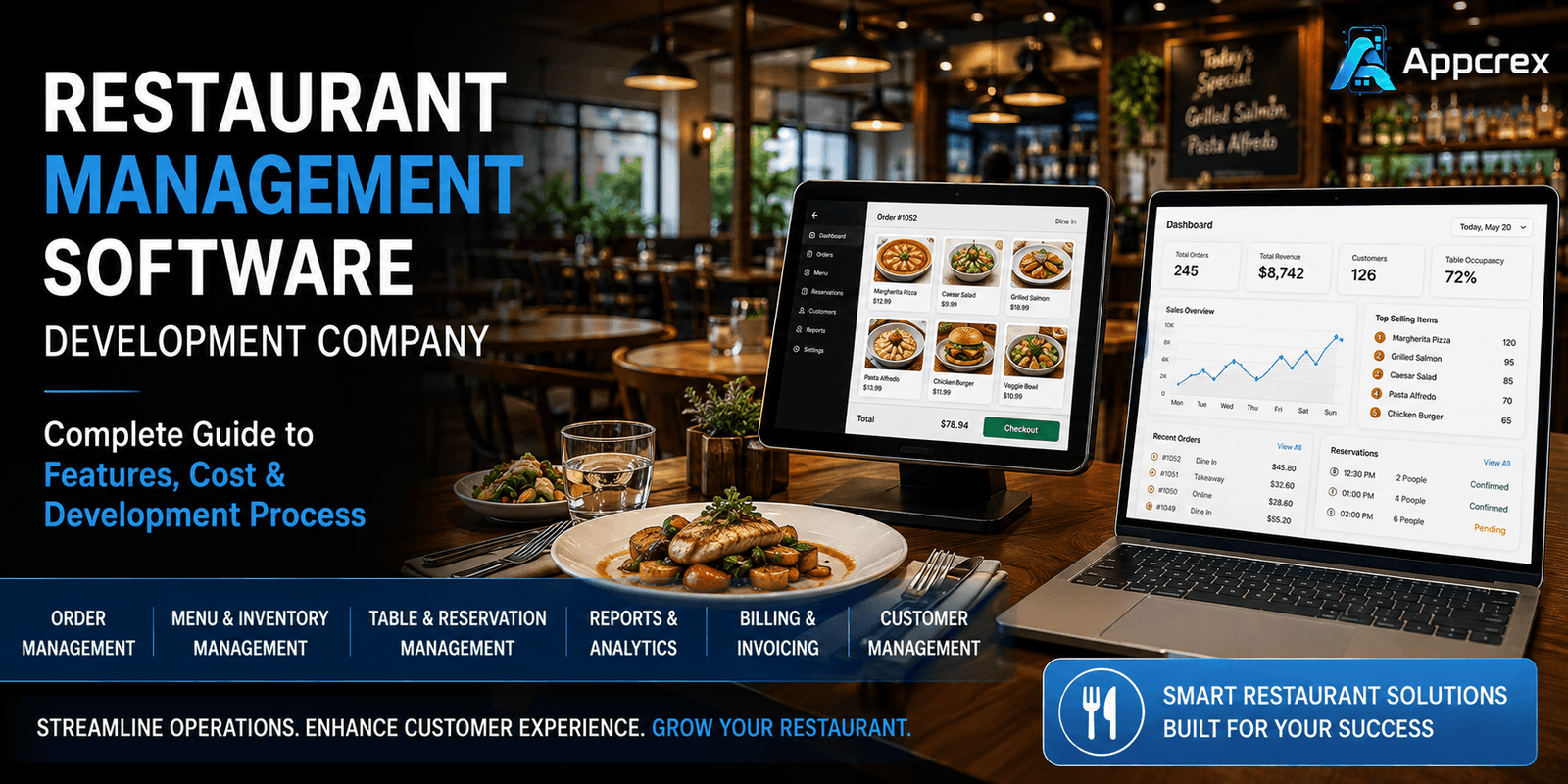
📌 Key Takeaways
- Restaurant management software centralizes POS, inventory, ordering, reservations, CRM, and analytics into a single platform.
- AI, contactless dining, cloud kitchens, and IoT are shaping the future of restaurant technology.
- Development costs typically range from $20,000 to $300,000+, depending on features and customization.
- Custom software offers greater flexibility, scalability, and long-term ROI compared to ready-made solutions.
- AppCrex provides end-to-end restaurant management software development services tailored to restaurants of every size.
Introduction
The restaurant industry is becoming increasingly digital, with customers expecting seamless online ordering, contactless payments, table reservations, and personalized dining experiences. At the same time, restaurant owners need efficient tools to manage daily operations, reduce costs, and improve customer satisfaction.
Managing multiple processes manually—including billing, inventory, kitchen operations, employee scheduling, supplier management, and customer engagement—can lead to delays, operational errors, and lost revenue. That’s why restaurants, cafés, cloud kitchens, food trucks, and multi-location chains are investing in custom restaurant management software.
Unlike off-the-shelf solutions, custom restaurant management software is designed around your business workflows. It combines essential functions such as Point of Sale (POS), online ordering, inventory management, kitchen display systems, CRM, loyalty programs, analytics, and payment integrations into one centralized platform.
Whether you’re launching a new restaurant or expanding an established brand, the right software can automate operations, improve decision-making, and deliver a better customer experience.
In this guide, we’ll explain everything you need to know about Restaurant Management Software Development, including essential features, software modules, technology stack, development process, costs, and future trends to help you build a scalable solution for your business.
Why Restaurants Need Custom Restaurant Management Software
Today’s restaurants are expected to serve customers across multiple channels, including dine-in, takeaway, online ordering, and third-party delivery platforms. Managing these operations with spreadsheets or disconnected software often results in slower service, inaccurate inventory records, and reduced profitability.
Custom restaurant management software brings every operation together into one integrated system, helping restaurant owners automate repetitive tasks and make better business decisions.
Key Benefits
Streamlined Restaurant Operations
Manage orders, billing, inventory, staff schedules, suppliers, and customer information from one centralized dashboard instead of using multiple disconnected tools.
Faster Order Processing
Orders are sent directly from the cashier or online ordering system to the kitchen, reducing delays and minimizing manual errors.
Better Inventory Control
Track ingredients in real time, receive low-stock alerts, and reduce food waste with automated inventory management.
Improved Customer Experience
Offer customers online ordering, QR code menus, table reservations, secure digital payments, and loyalty rewards for a more convenient dining experience.
Business Growth
Detailed reports and analytics help restaurant owners understand sales trends, identify popular menu items, monitor staff performance, and make data-driven decisions.
What is Restaurant Management Software?
Restaurant Management Software is a centralized digital solution that helps restaurants manage day-to-day operations efficiently. Instead of relying on separate applications for billing, inventory, reservations, and customer management, restaurants can operate everything from a single platform.
A modern restaurant management system typically includes:
- Point of Sale (POS)
- Order Management
- Table Reservation
- Kitchen Display System (KDS)
- Inventory Management
- Employee Management
- Customer Relationship Management (CRM)
- Payment Processing
- Delivery Management
- Sales & Analytics
These modules work together to reduce operational complexity, improve service quality, and increase profitability.
Custom restaurant software can also integrate with third-party platforms, allowing businesses to manage online orders, digital payments, accounting, and customer communication without switching between multiple systems.
Types of Restaurant Software
Different restaurants have different operational needs. A café may prioritize quick billing and loyalty programs, while a cloud kitchen focuses on online orders and delivery management. Choosing the right software depends on your business model.
Restaurant POS Software
A Point of Sale (POS) system manages billing, payments, order processing, discounts, and sales reporting. It helps reduce billing errors and speeds up customer service.
Restaurant Ordering Software
Allows customers to place online orders through mobile apps or websites while enabling restaurants to manage orders from a centralized dashboard.
Table Reservation Software
Customers can book tables in advance, reducing wait times and improving restaurant capacity planning.
Kitchen Display System (KDS)
A digital screen replaces printed order tickets, allowing kitchen staff to prepare orders more accurately and efficiently.
Inventory Management Software
Tracks ingredient availability, monitors stock levels, generates purchase reports, and minimizes food wastage.
Restaurant CRM Software
Stores customer information, order history, preferences, and loyalty points to help restaurants deliver personalized experiences.
Cloud Kitchen Management Software
Designed for delivery-first businesses, this software manages online orders, kitchen workflows, delivery partners, and inventory from a centralized system.
Must-Have Features of Restaurant Management Software
A successful restaurant management solution should simplify daily operations while enhancing the customer experience. From managing online orders to tracking inventory and analyzing business performance, every feature should contribute to faster service and better decision-making.
A well-designed restaurant management system typically includes separate modules for customers, restaurant staff, and administrators.
1. Customer Features
Modern customers expect a convenient and digital-first dining experience. These features help restaurants improve customer satisfaction and encourage repeat visits.
2. Online Ordering
Customers can browse the menu, customize their meals, and place orders directly through the website or mobile app without calling the restaurant.
3. Table Reservations
Allow customers to reserve tables in advance, reducing waiting times and improving seating management during peak hours.
4. Digital Menu & QR Code Ordering
QR code menus let customers scan a code, view the menu, place orders, and even make payments using their smartphones.
5. Secure Online Payments
Support multiple payment methods, including credit/debit cards, digital wallets, and online banking for a smooth checkout experience.
6. Real-Time Order Tracking
Customers can track the status of their orders, from preparation to delivery, improving transparency and reducing support requests.
7. Loyalty & Rewards Program
Reward repeat customers with points, discounts, cashback offers, and exclusive promotions to increase customer retention.
8. Ratings & Reviews
Allow customers to share feedback and rate their dining experience, helping restaurants improve service quality.
Restaurant Staff Features
Restaurant staff need tools that simplify operations and improve communication between different departments.
1. Order Management
Receive and manage dine-in, takeaway, and online orders from a single dashboard.
2. Kitchen Display System (KDS)
Display incoming orders on digital kitchen screens, reducing paper usage and minimizing preparation errors.
3. Table Management
Track table availability, reservations, and occupancy in real time to improve seating efficiency.
4. Inventory Management
Automatically monitor ingredient usage, update stock levels, and generate low-stock alerts to prevent shortages.
5. Employee Management
Manage staff schedules, attendance, roles, and performance from one centralized system.
6. Billing & Invoice Generation
Generate accurate invoices, apply discounts, split bills, and support multiple payment methods.
Admin Panel Features
A centralized admin panel enables restaurant owners to monitor and control every aspect of their business.
Key capabilities include:
- Restaurant Dashboard
- Multi-Branch Management
- Menu Management
- Customer Management
- Employee Management
- Inventory Reports
- Revenue & Sales Analytics
- Coupon & Promotion Management
- Role-Based Access Control
- Business Performance Reports
With real-time insights, restaurant owners can make informed business decisions and identify opportunities to improve profitability.
AI Features for Modern Restaurant Management Software
Artificial Intelligence is transforming restaurant operations by improving efficiency, reducing waste, and delivering more personalized customer experiences.
AI-Powered Food Recommendations
Analyze customer preferences and previous orders to recommend dishes that increase order value and improve customer satisfaction.
Smart Demand Forecasting
Predict busy hours and future demand using historical sales data, helping restaurants prepare inventory and schedule staff effectively.
Inventory Prediction
AI can forecast ingredient consumption and notify managers before stock runs low, reducing food wastage and unnecessary purchasing.
AI Chatbots
Provide instant responses to customer inquiries, assist with reservations, answer menu-related questions, and support online ordering 24/7.
Customer Behavior Analytics
Analyze ordering patterns, spending habits, and customer preferences to create targeted promotions and loyalty campaigns.
Automated Marketing
Use AI to send personalized offers, discount coupons, and promotional notifications based on customer behavior and purchase history.
Restaurant Management Software Development Process
Developing restaurant management software requires careful planning and a structured development approach to ensure scalability, security, and long-term success.
Step 1: Business Analysis
Understand restaurant workflows, operational challenges, business objectives, and feature requirements before starting development.
Step 2: UI/UX Design
Design an intuitive interface for customers, restaurant staff, and administrators to ensure smooth navigation and an excellent user experience.
Step 3: Software Development
Build the frontend, backend, databases, APIs, and business logic while ensuring the platform is scalable and secure.
Step 4: Third-Party Integrations
Integrate payment gateways, POS systems, delivery services, SMS notifications, accounting software, and CRM platforms to create a connected ecosystem.
Step 5: Testing & Quality Assurance
Perform functional, security, performance, and compatibility testing to ensure the software runs smoothly across all devices.
Step 6: Deployment & Ongoing Support
Launch the software, monitor its performance, fix bugs, release updates, and continuously enhance features based on business needs and customer feedback.
Technology Stack
Selecting the right technology stack is essential for building reliable, secure, and scalable restaurant management software.
| Category | Technologies |
|---|---|
| Mobile Development | Flutter, React Native |
| Web Frontend | React.js, Next.js |
| Backend | Node.js, Python, .NET |
| Database | PostgreSQL, MongoDB |
| Cloud Platform | AWS, Google Cloud, Microsoft Azure |
| Payment Integration | Stripe, PayPal |
| Notifications | Firebase Cloud Messaging |
| Analytics | Google Analytics, Power BI |
| AI & Machine Learning | OpenAI, Gemini, TensorFlow |
A modern technology stack ensures your restaurant management software can support growing customer demand, multiple restaurant locations, and future feature enhancements without compromising performance.
Also Read : Cross-Platform App Development Cost: Complete Pricing Guide (2026)
