📌 Key Takeaways
- Employee management apps help businesses manage attendance, payroll, leave requests, and employee records from one platform.
- Attendance tracking, shift scheduling, performance monitoring, payroll integration, and reporting support daily HR operations.
- A maturity assessment can reveal gaps in AI governance, access controls, monitoring, incident response, and risk management.
- App development costs depend on features, platform selection, third-party integrations, security, and project complexity.
- AI, cloud computing, and data analytics help businesses automate HR processes and manage workforce operations more efficiently.
Introduction
Managing employees involves several daily activities, including attendance tracking, payroll processing, leave management, task allocation, and performance monitoring. Handling these activities manually often creates delays, increases administrative work, and makes workforce coordination difficult.
An employee management application brings these activities together in one digital platform. Businesses use these applications to manage employee information, automate HR workflows, monitor attendance, and improve communication between teams.
With mobile technology, cloud computing, and AI-powered automation, employee management apps now support more efficient workforce operations. Businesses across healthcare, retail, manufacturing, hospitality, and IT use these solutions to organise their teams and simplify HR processes.
This guide explains employee management app features, benefits, types, development processes, technology choices, security requirements, and estimated development costs.
Quick Answer: What Is an Employee Management App?
An employee management app is a digital platform that helps businesses manage employee information, attendance, work schedules, payroll, leave requests, tasks, and performance. The application gives HR teams and employees access to relevant workforce information through a centralised system.
Businesses use employee management apps to reduce manual HR work, improve team coordination, and manage workforce operations more efficiently.
Why Do Businesses Need Employee Management Applications?
As businesses grow, managing employee information and daily workforce activities becomes more challenging. HR teams often handle multiple responsibilities across different departments and locations.
An employee management application provides a structured way to manage these activities.
1. Reduce Manual Administrative Work
HR teams spend time updating employee records, checking attendance, processing leave requests, and preparing reports. Automation reduces repetitive tasks and helps employees access information without depending on HR for every request.
2. Improve Attendance Management
Digital attendance systems record employee check-ins, check-outs, working hours, and absences. Businesses also use location-based attendance and biometric integrations where appropriate.
3. Improve Internal Communication
Employees receive important announcements, policy updates, shift notifications, and task reminders through a central communication system.
4. Support Remote and Hybrid Teams
Managers need visibility into work schedules, assigned tasks, attendance, and team performance. Mobile and cloud-based applications help businesses coordinate employees working from different locations.
5. Make Workforce Decisions Using Data
Reports and dashboards provide information about attendance, overtime, leave patterns, and workforce performance. Managers use these insights to plan resources and identify operational gaps.
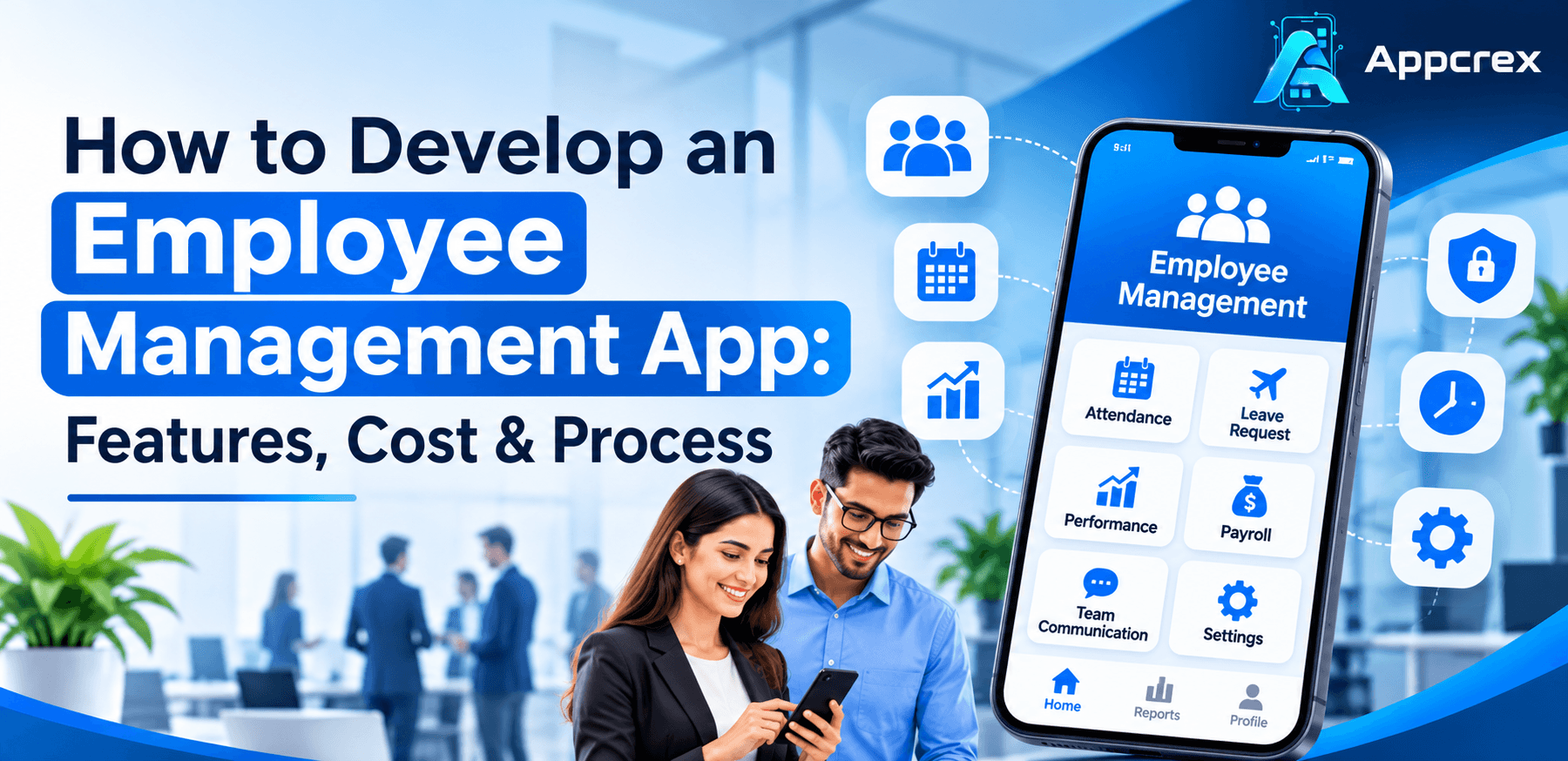
Essential Features of an Employee Management App
The features of an employee management application depend on business size, workforce structure, and operational requirements. A basic application focuses on employee records and attendance, while an advanced solution includes payroll integration, analytics, automation, and role-based access.
1. Employee Database Management
A centralised employee database stores important workforce information, including:
- Employee names and contact details
- Job titles and department information
- Joining dates and employment status
- Work locations and reporting managers
- Documents and employment records
- Emergency contact information
HR teams use this information to maintain accurate employee records.
2. Attendance and Time Tracking
Attendance management helps businesses monitor working hours and employee availability.
Useful features include:
- Digital check-in and check-out
- Working hour calculations
- Overtime tracking
- Attendance history
- Late arrival notifications
- Location-based attendance
- Biometric device integration
3. Leave Management
Employees submit leave requests through the application. Managers review requests and approve or reject them based on company policies.
Important features include leave balances, holiday calendars, approval workflows, leave history, and automatic notifications.
4. Employee Self-Service Portal
An employee self-service portal gives employees direct access to their work-related information.
Employees should be able to:
- View personal details
- Update permitted information
- Check attendance records
- Submit leave requests
- Download available documents
- View payslips
- Access company announcements
This reduces routine requests to HR teams.
5. Payroll Management and Integration
Payroll features help businesses organise salary-related information. Depending on the application scope, the system might include salary records, allowances, deductions, overtime details, payslips, and payroll reports.
Businesses often integrate existing payroll systems rather than building a complete payroll engine from scratch.
6. Shift Scheduling
Shift scheduling helps managers assign working hours across teams and departments.
Useful capabilities include shift creation, employee availability, schedule changes, shift swaps, overtime monitoring, and automated reminders.
7. Task and Performance Management
Managers assign tasks, set deadlines, monitor progress, and review employee performance.
Performance management features might include goal setting, feedback, appraisal records, progress reports, and performance dashboards.
8. Notifications and Announcements
Push notifications and in-app messages keep employees informed about important updates.
Examples include:
- Leave approval notifications
- Shift changes
- Attendance reminders
- Company announcements
- Task deadlines
- Policy updates
9. Reports and Analytics
Reporting tools help HR teams and managers review workforce activities.
Common reports include attendance summaries, leave reports, overtime records, employee turnover, and department-wise workforce data.
10. Role-Based Access Control
Different users require different levels of access. An employee should not have the same permissions as an HR manager or system administrator.
Role-based access control helps protect sensitive information and restricts access according to job responsibilities.
Types of Employee Management Applications
Businesses select an application model according to their workforce requirements and management processes.
1. Employee Self-Service Apps
These applications give employees access to personal records, attendance, leave requests, payslips, and company announcements.
2. HR Management Apps
HR management applications support recruitment records, employee databases, onboarding, leave management, performance reviews, and other HR activities.
3. Workforce Management Apps
These applications focus on employee scheduling, attendance, shift allocation, workload planning, and workforce availability.
4. Employee Time Tracking Apps
Time tracking applications record working hours, project time, attendance, and overtime. Businesses use them to monitor work schedules and prepare accurate time records.
5. Field Employee Management Apps
Field workforce applications support employees who work outside the office. Features often include GPS-based attendance, job assignments, location updates, route information, and task reporting.
6. Enterprise Employee Management Platforms
Enterprise applications support large organisations with multiple departments, locations, user roles, and complex approval workflows. These solutions often require integrations with existing business systems.
How Employee Management Apps Work?
An employee management application connects employees, HR teams, managers, and administrators through a shared platform.
A typical workflow follows these steps:
- Employee Registration: HR creates an employee profile and assigns the required access permissions.
- Attendance Recording: Employees record attendance through the application or an integrated attendance device.
- Daily Work Management: Managers assign tasks, review schedules, and monitor work progress.
- Leave Requests: Employees submit leave applications through the self-service portal.
- Manager Approval: Managers review requests and approve or reject them.
- Payroll Data Processing: The application organises attendance, overtime, and salary-related information for payroll processing.
- Reporting: HR teams review workforce reports and use the information for operational planning.
The exact workflow depends on company policies and application requirements.
Industries That Use Employee Management Applications
Employee management apps support different workforce structures across multiple industries.
Healthcare
Hospitals and healthcare organisations manage doctors, nurses, administrative teams, and support staff across multiple shifts.
Useful features include shift scheduling, attendance tracking, leave management, and staff availability.
Retail
Retail businesses manage employees across stores, departments, and rotating shifts. Scheduling, attendance, overtime, and task allocation help managers coordinate daily store operations.
Manufacturing
Manufacturing companies manage production teams, supervisors, maintenance staff, and warehouse employees. Shift planning, attendance records, task assignments, and safety-related notifications support factory operations.
Information Technology
IT companies use employee management applications to coordinate office-based, remote, and hybrid teams. Task tracking, project time records, attendance, and performance reviews support team management.
Hospitality
Hotels, restaurants, and hospitality businesses manage employees across front-desk operations, housekeeping, food services, and customer support.
Shift scheduling and employee availability features help managers maintain service operations.
Logistics and Transportation
Logistics businesses manage drivers, warehouse teams, delivery staff, and field employees. Location-based attendance, job assignments, shift planning, and task updates support workforce coordination.
Employee Management App Development Process
Building an employee management application requires proper planning, feature selection, technical decisions, and testing.
Step 1: Identify Business Requirements
Start by understanding how the business manages employees.
Identify the main challenges, user groups, approval processes, attendance rules, payroll requirements, and reporting needs.
Prepare a list of essential features before starting development.
Step 2: Define the Target Users
Most employee management apps support multiple user roles:
- Employees
- HR managers
- Department managers
- Administrators
- Business owners
Define the permissions and responsibilities of each user group.
Step 3: Select the Application Features
Divide features into two groups.
Core features:
- Employee profiles
- Attendance tracking
- Leave management
- Notifications
- Employee self-service
- Admin dashboard
Advanced features:
- Payroll integration
- AI-powered analytics
- Biometric integration
- GPS-based attendance
- Performance management
- Automated approval workflows
Start with the features that solve the most important business problems.
Step 4: Create UI/UX Designs
The application should offer simple navigation and clear workflows.
Design separate interfaces for employees, HR managers, and administrators. Keep frequently used features accessible and reduce unnecessary steps.
Create wireframes and interactive prototypes before development begins.
Step 5: Choose the Technology Stack
Select technologies according to application requirements, expected user traffic, integrations, and long-term maintenance needs.
The technology stack should support performance, security, scalability, and future feature expansion.
Step 6: Develop the Application
Development usually includes frontend development, backend development, database configuration, API integration, authentication, and admin dashboard implementation.
Teams should build and test features in planned development stages.
Step 7: Integrate Third-Party Systems
Depending on business requirements, the application might integrate with:
- Payroll platforms
- Biometric attendance devices
- Accounting software
- Email and notification services
- Calendar applications
- Identity and authentication systems
Step 8: Test the Application
Testing helps identify functional errors, security weaknesses, performance issues, and usability problems.
Important testing areas include:
- Functional testing
- Device compatibility testing
- API testing
- Security testing
- Performance testing
- User acceptance testing
Step 9: Deploy and Maintain the App
After testing, deploy the application to the selected infrastructure and app distribution platforms.
Regular maintenance includes security updates, bug fixes, performance monitoring, and feature improvements.
Technology Stack for Employee Management App Development
The right technology stack depends on the application’s complexity, supported platforms, integrations, and scalability requirements.
| Development Area | Technology Options |
|---|---|
| Android and iOS | Flutter, React Native, Kotlin, Swift |
| Web Frontend | React, Angular, Vue.js |
| Backend Development | Node.js, Python, Java, PHP |
| Database | PostgreSQL, MySQL, MongoDB |
| Cloud Infrastructure | AWS, Microsoft Azure, Google Cloud |
| APIs | REST APIs, GraphQL |
| Authentication | OAuth 2.0, OpenID Connect |
| Notifications | Push notification services and email APIs |
| Analytics | Business intelligence and reporting tools |
A development team should evaluate the technical requirements before selecting a final stack.
How Much Does Employee Management App Development Cost?
The cost of employee management app development depends on features, supported platforms, UI/UX complexity, integrations, security requirements, and development time.
An application with basic attendance and employee records requires less development effort than an enterprise platform with payroll integration, advanced analytics, and multiple approval workflows.
Estimated Employee Management App Development Cost
| Application Type | Estimated Cost | Development Time |
|---|---|---|
| Basic MVP | $15,000–$30,000 | 2–3 months |
| Mid-Level App | $30,000–$70,000 | 3–5 months |
| Advanced App | $70,000–$150,000 | 5–8 months |
| Enterprise Platform | $150,000–$300,000+ | 8–12+ months |
These figures are indicative estimates, not fixed quotations. Actual pricing depends on the project scope, team location, technical requirements, and integrations.
Factors That Affect Development Cost
1. Number of Features
More features require additional design, development, testing, and maintenance effort.
2. Platform Selection
Building for Android, iOS, and web requires different development resources. Cross-platform development offers another approach.
3. UI/UX Design
Custom dashboards, role-specific interfaces, and complex workflows increase design and development effort.
4. Third-Party Integrations
Payroll systems, biometric devices, accounting platforms, and external APIs add integration work.
5. Security Requirements
Employee applications store sensitive business and personal information. Authentication, encryption, access control, and security testing form an important part of the project.
6. Maintenance and Support
Post-launch expenses include hosting, monitoring, updates, bug fixes, and technical support.
Security and Compliance Requirements
Employee management applications store personal records, employment information, attendance details, and salary-related data. Strong security measures help protect these records from unauthorised access.
Important security practices include:
- Role-Based Access Control: Give users access according to their job responsibilities.
- Data Encryption: Protect sensitive information during transmission and storage.
- Multi-Factor Authentication: Add an extra verification step for user accounts.
- Audit Logs: Maintain records of important account and system activities.
- Secure Backups: Create regular backups and prepare data recovery procedures.
- Session Management: Control login sessions and automatically expire inactive sessions.
- Security Testing: Review the application for vulnerabilities before and after launch.
Businesses should also review applicable privacy and employment regulations in their operating regions. Requirements differ by country and industry.
Role of AI and Automation in Employee Management Apps
AI and automation help businesses process workforce information and reduce repetitive administrative activities.
1. AI-Powered Workforce Analytics
AI-based analytics review workforce data and help managers identify patterns in attendance, overtime, and employee availability.
2. Automated Attendance Monitoring
Automated systems help identify unusual attendance patterns and notify authorised managers for review.
3. Intelligent Shift Scheduling
Scheduling systems use employee availability, working hours, and business requirements to support shift planning.
4. HR Chatbots
AI chatbots answer routine employee questions about leave policies, attendance procedures, company guidelines, and available HR services.
5. Predictive Workforce Planning
Predictive analytics help businesses estimate staffing requirements by reviewing historical workforce information and operational patterns.
AI features should support human decision-making. Businesses should review data quality, privacy, accuracy, and potential bias before using automated recommendations for employee-related decisions.
Common Challenges in Employee Management App Development
Building an employee management application involves technical and operational challenges.
Data Migration
Businesses often store employee records across spreadsheets and older systems. Moving these records requires data validation, cleaning, and secure migration.
User Adoption
Employees might find a new system difficult to use if the interface is confusing. Simple navigation, clear instructions, and onboarding support help improve adoption.
Integration Complexity
Connecting payroll systems, attendance devices, and existing business software requires proper API planning and testing.
Data Security
Employee records require strict access controls and secure storage. Weak security practices increase the risk of data exposure.
Scalability
The application should support business growth, additional employees, new departments, and future integrations without major architectural changes.
Latest Trends in Employee Management App Development
Businesses are adopting new technologies to improve workforce operations.
- AI-Powered HR Automation: AI supports routine HR activities, employee queries, and workforce analysis.
- Cloud-Based Applications: Cloud infrastructure supports access across locations and simplifies system management.
- Mobile-First Employee Experiences: Mobile applications give employees quick access to attendance, schedules, and HR services.
- Advanced Workforce Analytics: Data dashboards help managers review workforce patterns and operational performance.
- Biometric Authentication: Supported biometric methods add identity verification to attendance and login workflows.
- Integrated HR Platforms: Businesses connect employee management with payroll, recruitment, accounting, and project management systems.
These trends influence how businesses plan and develop modern workforce management solutions.
How to Choose an Employee Management App Development Company?
Choose the right development partner affects application quality, security, scalability, and long-term maintenance.
Consider the following factors before starting a project:
1. Technical Expertise
Review the development team’s experience with mobile applications, web platforms, backend systems, databases, and API integrations.
2. Understanding of HR Workflows
The team should understand attendance policies, employee records, leave approvals, payroll requirements, and role-based access.
3. Security Knowledge
Ask about authentication, encryption, data protection, access permissions, backups, and security testing.
4. UI/UX Capabilities
Review previous application designs and assess whether the team creates simple, accessible interfaces.
5. Development and Communication Process
Discuss project milestones, reporting methods, testing procedures, delivery timelines, and post-launch support.
6. Scalability and Maintenance
Choose an architecture that supports additional users, new features, and future integrations.
Why Choose AppCrex for Employee Management App Development?
AppCrex provides mobile and software development services for businesses planning custom digital solutions.
Our development approach focuses on understanding business requirements, selecting suitable technologies, and building applications around operational needs.
For employee management app development, the project scope might include:
- Custom Android and iOS applications
- Employee and HR management dashboards
- Attendance and leave management
- Shift scheduling and task tracking
- Payroll and third-party integrations
- Role-based access and authentication
- Reporting and analytics
- Application testing and maintenance
We work with businesses to plan application features, define technical requirements, and develop solutions aligned with their workforce management goals.
Conclusion
Employee management applications help businesses organise workforce operations, reduce repetitive HR tasks, and improve communication between employees and managers.
Features such as attendance tracking, leave management, payroll integration, shift scheduling, employee self-service, and reporting support everyday business activities.
The development cost depends on application complexity, platform selection, integrations, and security requirements. Businesses should begin with clear requirements and select a scalable technology approach.
AppCrex helps businesses plan and develop custom employee management applications based on their operational needs. A well-planned solution supports efficient workforce administration and future business growth.
FAQs
1. What is an employee management app?
An employee management app is a digital platform used to manage employee records, attendance, leave requests, work schedules, payroll information, and performance. Businesses use these applications to organise HR activities and improve workforce coordination.
2. How much does employee management app development cost?
The estimated cost ranges from $15,000 for a basic MVP to $300,000 or more for an enterprise-level platform. Final pricing depends on features, integrations, supported platforms, security requirements, and development complexity.
3. What are the essential features of an employee management app?
Essential features include employee profiles, attendance tracking, leave management, shift scheduling, employee self-service, notifications, reporting, and role-based access control.
4. How long does employee management app development take?
A basic MVP often takes 2–3 months. A mid-level application takes around 3–5 months, while advanced and enterprise solutions might require 5–12 months or longer.
5. Which technologies are used to build employee management apps?
Developers use technologies such as Flutter, React Native, React, Node.js, Python, PostgreSQL, and cloud infrastructure. The final technology stack depends on the application requirements and supported platforms.
Build Your Employee Management Application with AppCrex
Planning an employee management application for your business?
AppCrex helps businesses develop custom mobile and web applications with features for employee records, attendance, scheduling, leave management, and workforce reporting.
Contact AppCrex to discuss your employee management app requirements and development plan.