
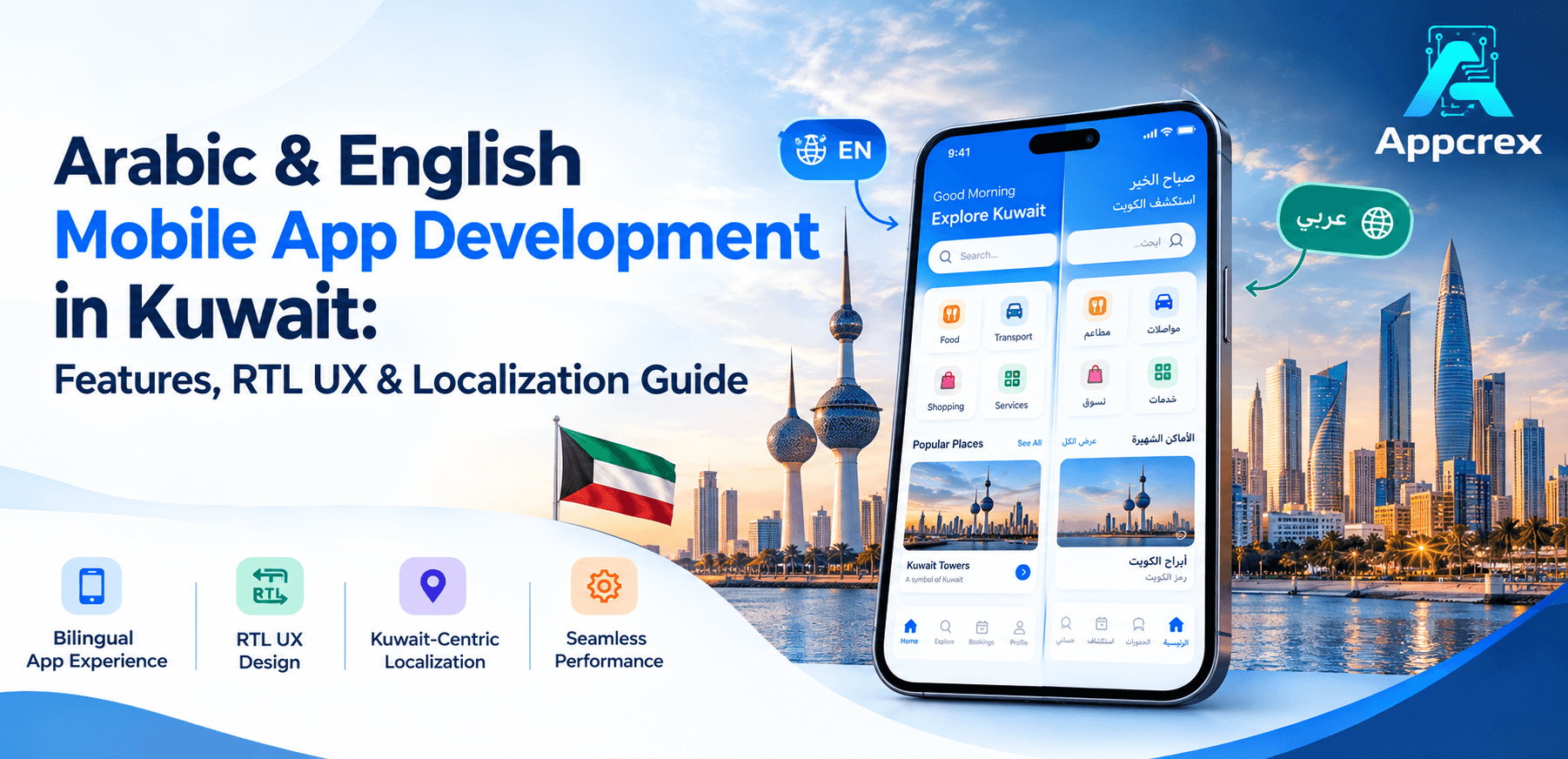
📌 Key Takeaways
- Arabic localization requires more than simple translation.
- English and Arabic interfaces need separate usability testing.
- Logistics integrations often influence cost more than the number of app screens.
- Kuwait apps may need local payments, currencies, dates, and integrations.
- A scalable localization architecture makes future updates easier.
Introduction
Kuwait has a highly connected digital market. Businesses across fintech, eCommerce, healthcare, logistics, real estate, food delivery, travel, and other industries are investing in digital products.
For many businesses, supporting both Arabic and English is an important part of building a mobile app for Kuwait. However, bilingual app development involves more than translating English text into Arabic.
The application must support Right-to-Left (RTL) design, Arabic content, localized numbers and dates, appropriate fonts, bilingual search, local payment options, and language-aware user flows.
That is why businesses planning Arabic and English mobile app development in Kuwait should consider localization from the first stage of product planning.
This guide explains the key features, RTL UX requirements, localization process, technology choices, testing requirements, and development considerations for building a bilingual mobile app in Kuwait.
Why Build an Arabic & English Mobile App in Kuwait?
Kuwait has a highly connected population and an advanced telecom infrastructure. The U.S. International Trade Administration reports that 99.4% of the population has a home internet connection and that 5G coverage reaches around 97% of the population. Kuwait’s ICT market was valued at $20.4 billion in 2025 and is expected to grow further over the next five years.
This creates opportunities for businesses that want to provide mobile-first services.
A bilingual application can help a company serve users who prefer Arabic while also supporting customers, professionals, and international users who prefer English.
For example, a Kuwait-based business could provide:
- Arabic onboarding
- English onboarding
- Arabic product descriptions
- English product descriptions
- Arabic customer support
- English customer support
- Arabic notifications
- English notifications
- Arabic checkout
- English checkout
The important part is consistency.
If only some screens support Arabic, users may experience confusion. Therefore, the language architecture should cover the complete customer journey.
Just Read : How Much Does It Cost to Develop a Mobile App in Kuwait? Complete Pricing Guide (2026)
Arabic Localization Is More Than Translation
One of the most common mistakes in bilingual app development is treating localization as a translation task.
Translation changes the words.
Localization adapts the complete user experience to the target market.
For a Kuwait app, localization can include:
- Arabic translation
- RTL interface
- Local currency
- Date and time formats
- Phone number formats
- Address formats
- Local payment methods
- Arabic search
- Localized notifications
- Arabic customer support
- Local business terminology
- Local legal and privacy content
- Kuwait-specific content and workflows
Google Play supports Arabic localization for store listings, app strings, and in-app products. Google also notes that RTL languages require apps to be RTL-ready, with layout adjustments and thorough testing.
Therefore, localization should be part of the technical architecture instead of being added after development.
What Is RTL UX in Mobile App Development?
RTL means Right-to-Left.
Arabic is written and read from right to left. Therefore, many interface elements need to change direction when users switch from English to Arabic.
For example, an English interface may place:
Menu → Content → Next
An Arabic interface may need the visual flow to become:
Next ← Content ← Menu
However, developers should not simply mirror every element.
Some elements represent physical or logical directions and should remain unchanged.
Apple’s Human Interface Guidelines recommend adapting RTL interfaces while keeping controls that represent actual physical directions in their original direction.
This distinction is important for maps, navigation, media controls, charts, and directional icons.
Important RTL Design Elements
A professional Arabic mobile app should consider RTL behavior across the entire interface.
Menus, tabs, navigation drawers, and screen transitions may need to change direction.
Buttons
Back and next controls should follow the appropriate reading direction.
Icons
Directional icons may need mirrored versions.
However, icons representing real-world direction should not automatically flip.
Forms
Input fields should support Arabic text correctly.
This is especially important for:
- Names
- Addresses
- Search fields
- Comments
- Notes
- Customer messages
Cards and Lists
Product cards, user profiles, delivery information, and other components should maintain a balanced layout in both languages.
Sliders and Progress Indicators
Progress controls may need to reverse direction in an RTL interface.
Numbers
Numbers require special care.
Phone numbers, transaction IDs, card numbers, and other numerical strings should not be reversed simply because the interface uses RTL.
Apple’s RTL guidance specifically explains that numbers inside specific values should retain their correct digit order.
Key Features of an Arabic & English Mobile App in Kuwait
The exact features depend on the business model. However, most bilingual applications should include a strong localization foundation.
1. Language Selection
Users should be able to select:
- Arabic
- English
The language option can appear during onboarding or inside the profile/settings section.
The app should remember the user’s selection.
2. Dynamic Language Switching
Users should not need to reinstall the application after changing languages.
The interface should update dynamically where technically appropriate.
For example:
English → Arabic
or
Arabic → English
The selected language should also affect:
- Notifications
- Emails
- System messages
- Error messages
- Help content
- Account information
3. RTL and LTR Support
The application should support both:
- LTR for English
- RTL for Arabic
This requires the UI components to respond correctly to the selected language.
4. Bilingual Content Management
The backend should allow businesses to manage Arabic and English content.
For example, an eCommerce product may contain:
| Content | English | Arabic |
|---|---|---|
| Product name | Smartphone | Arabic product name |
| Description | English description | Arabic description |
| Category | Electronics | Arabic category |
| CTA | Buy Now | Arabic CTA |
| Notification | Order confirmed | Arabic notification |
This approach gives businesses better control over content updates.
5. Arabic Search
Search functionality should support Arabic queries.
For example, users should be able to search for products, services, locations, or categories using Arabic terms.
The backend should also account for common variations in Arabic spelling where relevant to the business.
6. Bilingual Push Notifications
Notifications should respect the user’s preferred language.
For example, an order notification should not appear in English when the user has selected Arabic.
This applies to:
- Order updates
- Payment notifications
- Delivery updates
- Promotions
- Account alerts
- Security notifications
7. Local Payment Integration
A Kuwait-focused app may need local and international payment options.
Depending on the business model, these may include:
- KNET
- Credit and debit cards
- Apple Pay
- Google Pay
- Other supported payment gateways
The Kuwait digital economy report notes strong growth in digital payments, including KNET, Apple Pay, and Google Pay.
The exact payment options should depend on the business and its payment provider.
8. Kuwait Currency Support
The app should correctly display the Kuwaiti dinar (KWD).
Currency formatting should remain consistent across:
- Product pages
- Cart
- Checkout
- Invoices
- Transactions
- Reports
- Notifications
9. Local Date and Time Handling
Date and time formatting should work correctly across Arabic and English interfaces.
This is especially important for:
- Appointments
- Deliveries
- Bookings
- Transactions
- Events
- Subscription renewals
10. Customer Support
A bilingual app can provide:
- Arabic chat
- English chat
- Bilingual FAQs
- Support tickets
- Contact forms
- WhatsApp integration where appropriate
This helps create a more complete localized experience.
Arabic UX Design Best Practices
Arabic UI design needs careful attention to typography and spacing.
Use Arabic-Friendly Fonts
Not every font provides a good Arabic reading experience.
The design team should choose fonts that remain clear at different screen sizes.
The font should work consistently across:
- Headings
- Buttons
- Body text
- Forms
- Notifications
- Navigation
Avoid Fixed-Width Text Containers
Arabic words can occupy different amounts of space than English words.
A button that looks perfect in English may become too narrow in Arabic.
Therefore, developers should avoid rigid layouts where possible.
Allow Text Expansion
Translated text can become longer or shorter.
For example, one English button label may require more space when translated into Arabic.
The UI should accommodate this change without breaking.
Test Mixed Arabic and English Content
Some applications contain both scripts on the same screen.
For example:
- Brand names
- Product codes
- Email addresses
- URLs
- Technical terms
- Numbers
The design should handle these combinations correctly.
Also Read : AI Chatbot Development Company: Complete Guide to Features, Benefits, Cost & Trends (2026)
Arabic and English Mobile App Development Process
Building a bilingual application requires localization throughout the development lifecycle.
Step 1: Define the Target Audience
First, identify who will use the application.
Ask:
- Do users prefer Arabic?
- Do business customers prefer English?
- Does the app need both languages at launch?
- Will the application expand to other GCC countries?
- Does the business need Arabic customer support?
These answers influence the product architecture.
Step 2: Plan the Information Architecture
The team should design user journeys for both languages.
For example:
English:
Home → Category → Product → Checkout → Payment
Arabic:
Home → Category → Product → Checkout → Payment
The flow remains the same, but the interface direction and content presentation change.
Step 3: Create Bilingual Wireframes
Designers should create layouts that work with both short English text and potentially longer Arabic content.
This reduces redesign work later.
Step 4: Build a Localization System
Instead of placing text directly inside application code, developers should use localization files or a content management system.
This makes future updates easier.
For example:
- English strings
- Arabic strings
- Error messages
- Button labels
- Notifications
- Email templates
The same structure can later support additional languages.
Step 5: Develop RTL Support
Developers then implement RTL and LTR behavior.
This includes:
- Layout direction
- Navigation
- Text alignment
- Icons
- Forms
- Lists
- Animations
- Components
Step 6: Integrate Kuwait-Specific Services
Depending on the product, integrations may include:
- Payment gateways
- Maps
- SMS providers
- Delivery APIs
- CRM
- ERP
- Analytics
- Customer support tools
Step 7: Perform Bilingual QA
Testing should cover both language versions.
QA teams should test:
- Screen layouts
- Text overflow
- Navigation
- Forms
- Payments
- Notifications
- Search
- Numbers
- Dates
- Device sizes
- Dark mode
- Accessibility
- Error messages
Step 8: Launch and Monitor
After launch, businesses should monitor user behavior.
Analytics can reveal:
- Which language users prefer
- Where users leave the app
- Which screens have problems
- Which features are popular
- Whether Arabic users experience higher drop-off
The team can then improve the product using real user data.
Technology Stack for Bilingual Mobile Apps
The technology stack depends on the application requirements.
Mobile Development
Common options include:
- Swift for iOS
- Kotlin for Android
- Flutter
- React Native
Flutter and React Native can be useful when a business wants to support iOS and Android from a shared development approach.
However, technology should follow product requirements rather than the other way around.
Backend
A bilingual application can use technologies such as:
- Node.js
- Python
- Java
- .NET
- PHP
The backend should support localized content and language-specific responses.
Database
Common choices include:
- PostgreSQL
- MySQL
- MongoDB
- Microsoft SQL Server
The database structure should allow Arabic and English content to remain connected to the same product, category, service, or user record.
Cloud Infrastructure
Businesses can use cloud platforms such as:
- AWS
- Microsoft Azure
- Google Cloud
For Kuwait projects, data storage and transfer requirements should be reviewed during architecture planning, especially when the application handles sensitive information. Kuwait’s digital economy framework includes data localization requirements for certain sensitive data categories.
How Much Does Arabic & English App Development Cost in Kuwait?
The cost depends on the application scope.
A simple bilingual application may require a smaller budget. An advanced app with Arabic RTL, payments, real-time features, third-party integrations, and complex backend workflows will require more development work.
A practical planning range could look like this:
| App Type | Estimated Development Range |
|---|---|
| Simple bilingual MVP | KWD 6,000–12,000 |
| Business application | KWD 12,000–25,000 |
| Advanced application | KWD 25,000–50,000+ |
| Enterprise application | KWD 50,000–100,000+ |
These are directional planning ranges, not fixed Kuwait market prices.
Arabic localization itself is only one part of the budget.
Other major cost factors include:
- Number of platforms
- UI/UX complexity
- Backend development
- RTL implementation
- Payment integration
- API integration
- Admin dashboard
- Real-time functionality
- Security
- Testing
- Cloud infrastructure
- Maintenance
If the project already requires a large backend, localization may represent only a small portion of the total development budget.
How to Reduce the Cost of Bilingual App Development?
Businesses do not need to remove Arabic support to reduce development costs.
Instead, they can manage scope more carefully.
Start With an MVP
Launch the core features first.
For example, an eCommerce MVP may include:
- Login
- Product catalog
- Search
- Cart
- Checkout
- Payment
- Order tracking
- Admin panel
Advanced recommendations, loyalty programs, AI features, and complex analytics can come later.
Design Arabic and English Together
Do not build the English version first and add Arabic at the end.
That approach can lead to expensive redesign work.
Instead, test both languages during the design stage.
Use Reusable Components
A reusable component system can reduce development effort.
The same button, card, form, and navigation components can support both LTR and RTL layouts.
Plan Localization in the Architecture
Localization should be built into the application from the beginning.
This makes future changes easier and reduces the risk of hard-coded text.
Also Read : What Is an MVP in App Development? A Complete Guide
Common Mistakes in Arabic & English App Development
Treating Arabic as Simple Translation
Translation alone does not create a localized UX.
Adding RTL at the End
RTL affects layouts, navigation, icons, forms, and components.
Therefore, late implementation can create unnecessary rework.
Ignoring Text Expansion
Arabic and English text may require different amounts of space.
Fixed layouts can break when content changes.
Using Machine Translation Without Review
Automated translation can speed up the first draft, but important customer-facing content should be reviewed for accuracy and context.
Google Play itself notes that machine translations are not human-reviewed and allows developers to review and edit translations before publishing.
Testing Only on One Device
RTL behavior can look different across screen sizes.
Testing should cover multiple devices and operating systems.
Forgetting Backend Localization
The frontend is not the only place where language matters.
Backend responses, notifications, emails, reports, and admin content may also need bilingual support.
Industries That Can Benefit From Bilingual Apps in Kuwait
Arabic and English app development can support many industries.
Fintech
Banks, wallets, payment platforms, investment products, and financial services can provide bilingual interfaces for customers.
eCommerce
Online stores can provide Arabic and English product catalogs, checkout, order tracking, and customer support.
Healthcare
Healthcare apps can support bilingual:
- Patient registration
- Appointment booking
- Doctor profiles
- Telemedicine
- Medical information
- Notifications
Logistics
Delivery and logistics applications can provide Arabic interfaces for drivers and English interfaces for business teams where appropriate.
Real Estate
Property platforms can offer bilingual listings, search, maps, inquiries, and booking features.
Food Delivery
Customers can browse restaurants, order food, pay, and track deliveries in their preferred language.
Travel
Travel apps can support bilingual booking, hotel listings, flight information, payment, and customer support.
Why Localization Matters for User Experience?
A localized application can make the product easier to understand.
Users do not have to mentally translate important information.
This matters most during critical actions such as:
- Payments
- Registration
- Booking
- Delivery
- Account verification
- Security alerts
A clear Arabic experience can also make the application feel more relevant to the local market.
However, localization should never be treated only as a marketing feature. It should be part of the complete product experience.
Why Choose AppCrex for Arabic & English Mobile App Development in Kuwait?
AppCrex provides custom mobile app development services for businesses that want to build products for Kuwait and other GCC markets.
Our team can help with:
- Mobile app strategy
- UI/UX design
- Arabic and English interfaces
- RTL UX implementation
- iOS development
- Android development
- Flutter development
- React Native development
- Backend development
- API integrations
- Payment integrations
- Cloud development
- Admin dashboards
- AI integration
- QA and testing
- App maintenance
We can also plan localization into the initial architecture. This makes it easier to maintain Arabic and English content as the application grows.
For businesses targeting Kuwait, we can also help plan local payment integrations, bilingual user flows, security requirements, and scalable backend architecture.
FAQs
Q. What is Arabic and English mobile app development?
Arabic and English mobile app development means creating an application that supports both languages throughout the user experience. This includes content, navigation, notifications, forms, backend data, and RTL/LTR interface behavior.
Q. Is Arabic localization the same as translation?
No. Translation changes the language. Localization adapts the product to the target market. It can include RTL layouts, currency, dates, numbers, payment methods, content, and user experience.
Q. Does Arabic require RTL design?
Yes. Arabic uses a right-to-left writing direction. Mobile apps should adapt layouts and interface behavior accordingly. Apple’s design guidance specifically recommends supporting RTL interfaces for Arabic and other RTL languages.
Q. Should Arabic support be added after the English app is complete?
Usually, it is better to plan Arabic support from the beginning. Adding RTL later can require changes to layouts, navigation, icons, forms, and other components.
Q. How much does a bilingual mobile app cost in Kuwait?
A simple bilingual MVP may start around KWD 6,000–12,000, while advanced applications can reach KWD 25,000–50,000+. Enterprise products may cost considerably more depending on scope.
Q. Can Flutter support Arabic and RTL?
Yes. Flutter can be used to build applications that support Arabic and RTL interfaces. The implementation still needs proper design, testing, and localization planning.
Q. Can React Native support Arabic and RTL?
Yes. React Native can support bilingual applications. Developers still need to implement and test RTL behavior across navigation, components, forms, and other UI elements.
Q. Does KNET integration increase development cost?
It can. Payment integration requires backend work, payment flows, testing, error handling, and security considerations. The exact effort depends on the selected payment provider and application requirements.
Q. Can the same app support more languages later?
Yes. If the application uses a proper localization architecture, additional languages can be added later without rebuilding the complete product.
Conclusion
Arabic and English mobile app development in Kuwait requires more than adding two languages to an existing application.
A successful bilingual app needs proper RTL UX, Arabic typography, localized content, bilingual backend support, payment integration, currency handling, date formats, notifications, and complete QA.
The best approach is to plan Arabic and English support from the beginning. This allows designers and developers to create flexible layouts and avoid expensive redesign work later.
For Kuwait-focused products, businesses should also consider local payment options, data requirements, security, and integrations during the architecture stage.
Build a Bilingual Mobile App for Kuwait With AppCrex
Planning an Arabic and English mobile app for the Kuwait market?
AppCrex can help you design and develop a localized mobile application with RTL UX, Arabic-English support, payment integrations, scalable backend architecture, and cross-platform or native development.
From product planning and UI/UX design to development, testing, deployment, and ongoing support, our team can help turn your Kuwait app idea into a production-ready digital product.
Contact AppCrex to discuss your bilingual mobile app development project.
