
📌 Key Takeaways
- Automate Business Operations: Streamline billing, inventory, employee management, and reporting with a custom POS solution.
- Improve Customer Experience: Deliver faster checkouts, multiple payment options, and personalized loyalty programs.
- Leverage AI for Smarter Decisions: Use AI-driven analytics, inventory forecasting, and customer insights to optimize performance.
- Build for Growth: Choose scalable cloud-based POS software that supports multiple stores and future expansion.
- Partner with Experts: Working with an experienced POS software development company ensures a secure, reliable, and future-ready solution.
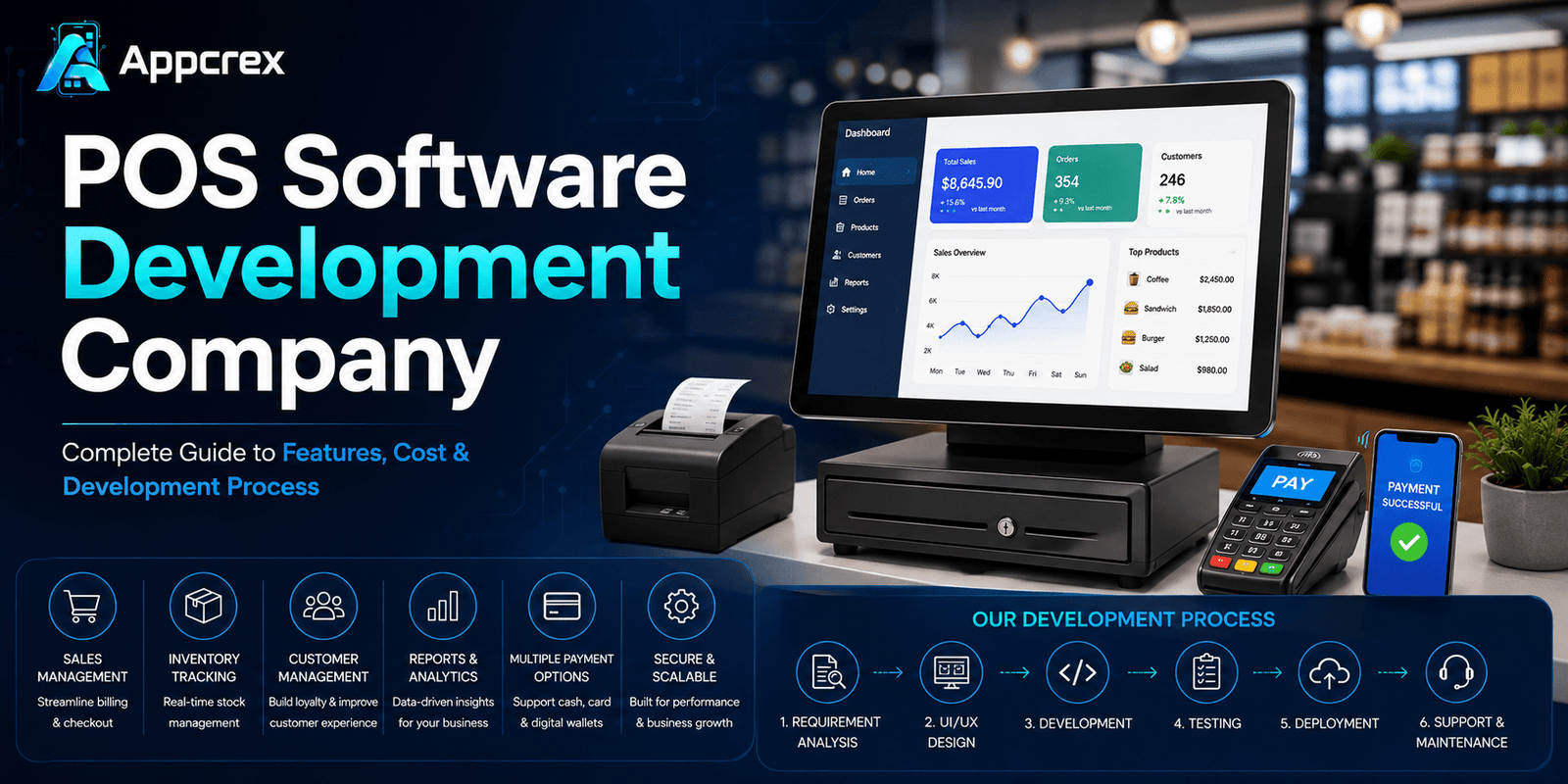
The retail industry is evolving rapidly, and businesses today need more than just a cash register to manage their operations. Modern Point of Sale (POS) software has become the backbone of retail stores, restaurants, supermarkets, pharmacies, salons, healthcare facilities, and many other businesses. From processing sales and managing inventory to tracking customer behavior and generating real-time reports, POS software helps businesses operate more efficiently while delivering a better customer experience.
With the increasing adoption of cloud computing, mobile payments, AI, and omnichannel commerce, organizations are investing in custom POS solutions that can scale with their business. Whether you’re a startup launching a retail business or a large enterprise managing multiple locations, partnering with an experienced POS Software Development Company can help you build a secure, scalable, and feature-rich solution tailored to your unique business requirements.
At AppCrex, we develop custom POS software for businesses worldwide. Our solutions combine powerful sales management, inventory tracking, customer relationship management (CRM), payment gateway integration, AI-powered analytics, and cloud technology to streamline daily operations and improve business performance.
In this comprehensive guide, you’ll learn everything about POS software development, including its benefits, types, must-have features, development process, technology stack, development costs, and how to choose the right development partner.
What is POS Software?
Point of Sale (POS) software is a digital system that enables businesses to process sales transactions, manage inventory, track customer information, generate invoices, and monitor business performance from a centralized platform.
A POS system combines software with hardware components such as barcode scanners, receipt printers, cash drawers, payment terminals, and tablets or computers. Modern cloud-based POS systems also support mobile devices, allowing businesses to manage operations from anywhere.
Beyond processing payments, today’s POS software acts as a complete business management solution by integrating sales, inventory, customer data, employee management, accounting, and reporting into one platform.
A Modern POS System Typically Includes:
- Sales & Billing
- Inventory Management
- Customer Management
- Employee Management
- Payment Processing
- Order Management
- Purchase Management
- Tax Calculation
- Business Analytics
- Multi-Store Management
- Cloud Synchronization
- Mobile POS Access
By automating routine business operations, POS software reduces manual work, minimizes errors, and provides real-time insights that support informed decision-making.
Just Read : What is SaaS Application Development? A Complete Guide (2026)
Why Businesses Need Custom POS Software?
Off-the-shelf POS systems often include generic features that may not align with specific business requirements. A custom POS solution is built around your workflows, industry needs, and growth plans, giving you greater flexibility and long-term value.
Improved Operational Efficiency
Custom POS software automates sales processing, inventory updates, billing, and reporting, reducing manual tasks and improving overall productivity.
Better Inventory Control
Track inventory in real time, receive low-stock alerts, manage suppliers, and avoid stock shortages or overstocking.
Faster Checkout Experience
A streamlined checkout process minimizes waiting times and enhances customer satisfaction with support for multiple payment methods and digital receipts.
Enhanced Customer Relationship Management
Store customer profiles, purchase history, loyalty points, and preferences to deliver personalized offers and improve customer retention.
Real-Time Business Insights
Access dashboards and reports showing sales trends, product performance, employee productivity, and revenue, enabling data-driven decisions.
Scalability for Growing Businesses
Whether you operate a single store or hundreds of locations, a custom POS system can scale as your business expands without compromising performance.
Seamless Third-Party Integrations
Integrate your POS system with:
- Payment Gateways
- Accounting Software
- ERP Systems
- CRM Platforms
- eCommerce Stores
- Delivery Services
- Inventory Management Tools
to create a unified business ecosystem.
Types of POS Software
Different industries require different POS solutions. Selecting the right type of POS software depends on your business model, operational workflow, and customer needs.
Retail POS Software
Retail POS software is designed for stores selling physical products. It helps businesses manage sales, inventory, customer information, and promotions from a single dashboard.
Best For
- Clothing Stores
- Electronics Shops
- Furniture Stores
- Bookstores
- Gift Shops
- Department Stores
Restaurant POS Software
Restaurant POS systems simplify food ordering, table management, kitchen communication, and billing while improving the overall dining experience.
Key Features
- Table Reservations
- Kitchen Display System (KDS)
- Order Management
- Menu Management
- Split Billing
- Online Ordering
- Delivery Integration
Supermarket POS Software
Supermarkets require high-speed billing, barcode scanning, inventory synchronization, and supplier management to handle large product catalogs efficiently.
Pharmacy POS Software
Pharmacy POS systems support prescription management, medicine inventory tracking, expiry date monitoring, insurance processing, and regulatory compliance.
Salon & Spa POS Software
These systems streamline appointment scheduling, staff management, customer records, service billing, memberships, and loyalty programs.
Healthcare POS Software
Healthcare providers use POS software to manage patient billing, pharmacy sales, insurance claims, and payment processing within clinics and hospitals.
Mobile POS (mPOS)
Mobile POS solutions allow businesses to accept payments using smartphones or tablets, making them ideal for field sales, pop-up stores, food trucks, and events.
Cloud-Based POS Software
Cloud POS systems store data securely in the cloud, allowing businesses to access sales, inventory, and reports from any location while ensuring automatic backups and easy scalability.
Why Choose the Right POS Solution?
Choosing the right POS software depends on your industry, business size, customer expectations, and future growth plans. An experienced POS Software Development Company can help you design a custom solution that improves efficiency, enhances customer experiences, and supports long-term business success.
Must-Have Features of POS Software
A modern POS system is much more than a billing tool. It serves as the central hub for managing sales, inventory, customers, employees, payments, and business analytics. Whether you’re building a POS solution for retail, restaurants, supermarkets, pharmacies, or multi-store businesses, incorporating the right features is essential for improving efficiency and delivering a seamless customer experience.
A comprehensive POS solution typically includes three core modules:
- Cashier POS System
- Admin Dashboard
- Customer Management System
Let’s explore the essential features of each module.
Cashier POS Features
The cashier interface should be simple, fast, and intuitive to ensure quick transactions and reduce checkout times.
Fast Billing & Checkout
Cashiers should be able to process sales within seconds using barcode scanners or product search.
Key Features
- Quick Product Search
- Barcode Scanning
- Touchscreen Interface
- Multiple Item Billing
- Automatic Tax Calculation
- Discount Application
- Digital & Printed Receipts
Fast billing improves customer satisfaction and minimizes long queues.
Multiple Payment Methods
Modern businesses need flexible payment options.
Support payments through:
- Credit Cards
- Debit Cards
- Cash
- Apple Pay
- Google Pay
- QR Code Payments
- Digital Wallets
- Gift Cards
- Store Credit
Offering multiple payment options improves customer convenience and increases sales.
Return & Refund Management
An efficient refund process builds customer trust.
Features include:
- Return Processing
- Exchange Management
- Refund Tracking
- Receipt Validation
- Return History
Customer Profile Access
Cashiers can instantly view customer information, including:
- Purchase History
- Loyalty Points
- Membership Status
- Saved Addresses
- Previous Orders
This enables personalized service and faster support.
Loyalty & Rewards Program
Increase customer retention by offering:
- Reward Points
- Cashback
- Coupons
- Membership Discounts
- Birthday Offers
- Referral Rewards
Loyalty programs encourage repeat purchases and long-term customer relationships.
Inventory Management Features
Inventory management is one of the most important components of a POS system. It ensures businesses maintain optimal stock levels while reducing waste and preventing stockouts.
Real-Time Inventory Tracking
Automatically update inventory after every sale, return, or purchase.
Benefits
- Accurate Stock Levels
- Reduced Manual Errors
- Better Inventory Visibility
Barcode & SKU Management
Generate and manage unique barcodes and SKUs for every product to improve stock organization and billing accuracy.
Low Stock Alerts
Receive automated notifications when inventory reaches predefined thresholds, helping prevent lost sales due to stock shortages.
Purchase Order Management
Simplify procurement by:
- Creating Purchase Orders
- Managing Suppliers
- Tracking Deliveries
- Monitoring Purchase History
Multi-Warehouse Management
Businesses with multiple warehouses can monitor inventory across different locations from a centralized dashboard.
Batch & Expiry Management
Essential for industries such as pharmacies, supermarkets, and food businesses.
Track:
- Batch Numbers
- Manufacturing Dates
- Expiry Dates
- Product Recalls
Customer Relationship Management (CRM)
A built-in CRM helps businesses understand customer behavior and create personalized marketing campaigns.
Also Read : Healthcare CRM Software Development: Complete Guide to Features, Benefits, Cost & AI Integration (2026)
Customer Database
Store detailed customer information such as:
- Contact Details
- Purchase History
- Preferred Products
- Visit Frequency
- Reward Points
Customer Segmentation
Group customers based on:
- Spending Habits
- Purchase Frequency
- Product Preferences
- Geographic Location
Segmentation enables targeted marketing campaigns.
Marketing & Promotions
Launch promotional campaigns directly from the POS system.
Examples include:
- Discount Coupons
- Flash Sales
- Seasonal Offers
- SMS Campaigns
- Email Marketing
- Birthday Promotions
Employee Management Features
POS software should also simplify workforce management.
Staff Profiles
Maintain employee records including:
- Roles
- Permissions
- Attendance
- Contact Information
- Performance
Role-Based Access Control
Different users receive different permissions.
Examples:
- Cashier
- Store Manager
- Inventory Manager
- Accountant
- Administrator
This improves security and prevents unauthorized access.
Attendance & Shift Management
Track:
- Employee Check-In/Check-Out
- Work Hours
- Shift Scheduling
- Overtime
- Leave Records
Sales Performance Tracking
Monitor employee performance using KPIs such as:
- Sales Generated
- Number of Transactions
- Customer Satisfaction
- Average Order Value
These insights help identify top performers and training needs.
Admin Dashboard Features
The admin dashboard gives business owners complete control over daily operations.
Sales Dashboard
Monitor real-time business performance through interactive dashboards.
Key metrics include:
- Daily Sales
- Revenue
- Profit Margins
- Best-Selling Products
- Peak Sales Hours
- Store Performance
Multi-Store Management
Manage multiple stores from a single dashboard.
Features include:
- Centralized Inventory
- Store Comparison
- Sales Monitoring
- Employee Management
- Product Synchronization
Ideal for retail chains and franchise businesses.
Reporting & Analytics
Generate detailed business reports such as:
- Sales Reports
- Inventory Reports
- Purchase Reports
- Profit & Loss
- Tax Reports
- Customer Insights
- Employee Performance Reports
These reports support informed business decisions.
Tax Management
Automatically calculate taxes based on regional regulations and generate tax-compliant invoices.
Supplier Management
Maintain supplier information including:
- Contact Details
- Purchase Orders
- Delivery Status
- Payment History
- Outstanding Balances
Also Read : Offshore Software Development Services: Everything Businesses Need to Know Before Hiring a Development Team
AI Features for Modern POS Software
Artificial Intelligence is transforming POS systems by enabling automation, predictive insights, and personalized customer experiences.
AI Sales Forecasting
Analyze historical sales data to predict future demand, helping businesses optimize inventory and reduce stock shortages.
Smart Inventory Optimization
AI automatically recommends:
- Stock Replenishment
- Fast-Moving Products
- Slow-Moving Inventory
- Seasonal Inventory Planning
Personalized Product Recommendations
Suggest complementary products based on customer purchase history, increasing average order value.
AI Chatbot for Customer Support
Provide instant assistance with:
- Product Availability
- Store Hours
- Order Status
- Loyalty Points
- Frequently Asked Questions
Fraud Detection
AI continuously monitors transactions to identify unusual activities such as duplicate payments, suspicious refunds, or unauthorized access.
Predictive Business Analytics
Gain valuable insights into:
- Customer Buying Patterns
- Revenue Trends
- Peak Business Hours
- Product Performance
- Marketing Campaign Results
These insights help businesses make data-driven decisions and improve profitability.
Also Read : AI Chatbot Development Company: Complete Guide to Features, Benefits, Cost & Trends (2026)
Benefits of Custom POS Software
Investing in custom POS software offers several long-term advantages:
- Faster Billing & Checkout
- Improved Inventory Accuracy
- Better Customer Experience
- Real-Time Business Insights
- Secure Payment Processing
- Multi-Store Management
- Increased Employee Productivity
- AI-Driven Decision Making
- Seamless Third-Party Integrations
- Scalable Architecture for Business Growth
A custom-built POS solution not only streamlines daily operations but also provides the flexibility to adapt to changing business needs and support long-term expansion.
POS Software Development Process
Building a modern POS system requires more than just creating billing software. It involves understanding business workflows, integrating multiple systems, ensuring data security, and delivering a seamless user experience across devices.
At AppCrex, we follow an agile and structured development approach to build secure, scalable, and feature-rich POS software for businesses worldwide.
Step 1: Business Analysis & Requirement Gathering
Every successful POS solution begins with understanding your business goals and operational requirements.
During this phase, we identify:
- Business Model
- Industry Requirements
- Sales Workflow
- Inventory Process
- Customer Journey
- Payment Methods
- Third-Party Integration Needs
- Security & Compliance Requirements
A detailed discovery phase helps reduce development risks and ensures the software aligns with your business objectives.
Step 2: UI/UX Design
A POS system is used daily by cashiers, managers, and business owners, so it must be fast, intuitive, and easy to navigate.
Our UI/UX team designs interfaces that improve productivity and minimize training time.
Deliverables
- User Flow Design
- Wireframes
- Interactive Prototypes
- Responsive UI
- Touch-Friendly POS Interface
An intuitive design helps employees complete tasks quickly while reducing operational errors.
Step 3: MVP Development
Instead of building every feature at once, we recommend launching a Minimum Viable Product (MVP) with the core functionalities.
A typical POS MVP includes:
- Sales & Billing
- Product Management
- Inventory Tracking
- Customer Management
- Basic Reports
- Payment Integration
Launching an MVP allows businesses to validate the product, gather user feedback, and release new features in future updates.
Step 4: Backend Development
The backend serves as the foundation of the POS system, managing business logic, inventory, payments, reports, and user authentication.
Core Backend Components
- Product Database
- Inventory Engine
- Customer Database
- Employee Management
- Order Processing
- API Development
- Authentication & Authorization
- Cloud Infrastructure
A scalable backend ensures smooth performance even as transaction volumes grow.
Step 5: Third-Party Integrations
Modern POS systems integrate with various external services to extend functionality and automate operations.
Common Integrations
- Payment Gateways
- Accounting Software
- ERP Systems
- CRM Platforms
- Barcode Scanners
- Receipt Printers
- QR Code Payments
- SMS & Email Services
- Loyalty Platforms
- eCommerce Platforms
- Delivery Services
These integrations help businesses streamline operations and create a unified ecosystem.
Step 6: Quality Assurance & Testing
Before launch, every module undergoes comprehensive testing to ensure reliability, performance, and security.
Testing Includes
- Functional Testing
- Performance Testing
- Security Testing
- Compatibility Testing
- API Testing
- User Acceptance Testing (UAT)
- Bug Fixing
Rigorous testing ensures that the POS system performs efficiently in real-world business environments.
Step 7: Deployment & Launch
After successful testing, the software is deployed to production environments.
Deployment includes:
- Cloud Deployment
- On-Premise Installation (if required)
- Android POS Setup
- iOS POS Setup
- Web Dashboard Deployment
- Data Migration
- User Training
A smooth deployment minimizes downtime and ensures business continuity.
Step 8: Maintenance & Continuous Support
A POS system requires regular updates to keep pace with changing business needs and technology.
Our post-launch services include:
- Feature Enhancements
- Security Updates
- Bug Fixes
- Performance Optimization
- API Updates
- Cloud Monitoring
- Technical Support
Continuous maintenance helps businesses maximize ROI and maintain peak performance.
Technology Stack for POS Software Development
Choosing the right technology stack is crucial for building a secure, scalable, and high-performing POS solution.
| Layer | Technologies |
|---|---|
| Frontend | React.js, Angular |
| Mobile App | Flutter, React Native |
| Backend | Node.js, Laravel, Django, .NET |
| Database | PostgreSQL, MongoDB, MySQL |
| Cloud | AWS, Microsoft Azure, Google Cloud |
| Payment Gateways | Stripe, PayPal, Square, Razorpay |
| Analytics | Google Analytics, Firebase Analytics |
| Notifications | Firebase Cloud Messaging, OneSignal |
| AI Technologies | OpenAI, Google Gemini, TensorFlow |
A modern technology stack ensures better scalability, enhanced security, and seamless integration with future business tools.
How Much Does POS Software Development Cost?
The cost of developing custom POS software depends on business requirements, supported platforms, integrations, AI capabilities, and overall project complexity.
Estimated Development Cost
| Solution | Estimated Cost (USD) | Timeline |
|---|---|---|
| Basic POS Software | $15,000–$30,000 | 2–4 Months |
| Standard POS Solution | $30,000–$60,000 | 4–6 Months |
| Advanced Multi-Store POS | $60,000–$120,000 | 6–9 Months |
| Enterprise AI POS Platform | $120,000–$250,000+ | 9–12+ Months |
Note: Final pricing depends on the required features, integrations, number of platforms, security requirements, and customization level.
Industries That Need POS Software
Custom POS software is valuable across a wide range of industries.
- Retail Stores
- Restaurants & Cafés
- Supermarkets
- Grocery Stores
- Pharmacies
- Hospitals & Clinics
- Hotels
- Salons & Spas
- Fashion & Apparel Stores
- Electronics Retailers
- Furniture Stores
- Jewelry Stores
- Car Dealerships
- Entertainment Venues
- Warehouses & Wholesale Businesses
Each industry has unique workflows, and custom POS software can be tailored to address those specific operational needs.
Why Choose AppCrex for POS Software Development?
At AppCrex, we design and develop intelligent POS solutions that help businesses improve operational efficiency, enhance customer experiences, and scale with confidence.
Our Expertise Includes
- Custom POS Software Development
- Cloud-Based POS Solutions
- Retail POS Systems
- Restaurant POS Software
- Pharmacy POS Solutions
- Multi-Store POS Management
- Mobile POS Applications
- AI-Powered POS Software
- Payment Gateway Integration
- ERP & CRM Integration
- UI/UX Design
- Ongoing Maintenance & Support
Whether you’re launching a new business or modernizing an existing one, our team delivers POS software tailored to your operational goals.
(FAQs)
Q. What is POS software?
POS (Point of Sale) software is a digital solution that manages sales transactions, inventory, customer information, payments, employee management, and business reporting from a centralized platform.
Q. How long does it take to develop POS software?
A basic POS solution generally takes 2–4 months, while advanced enterprise-grade systems with AI and multi-store capabilities can take 6–12 months.
Q. Can POS software be customized for my industry?
Yes. Custom POS software can be developed for retail stores, restaurants, pharmacies, supermarkets, healthcare providers, hotels, salons, and many other industries.
Q. Can POS software integrate with existing business systems?
Absolutely. Modern POS solutions can integrate with ERP systems, CRM platforms, accounting software, payment gateways, eCommerce platforms, inventory systems, and third-party APIs.
Q. Can AI be integrated into POS software?
Yes. AI can power demand forecasting, inventory optimization, fraud detection, customer recommendations, predictive analytics, and intelligent business reporting.
Conclusion
A modern POS system is more than a billing solution—it’s a comprehensive business management platform that improves operational efficiency, enhances customer experiences, and supports long-term growth. By combining inventory management, sales processing, CRM, analytics, and AI-powered insights, custom POS software enables businesses to make smarter decisions and stay competitive in a rapidly evolving market.
Whether you operate a single store or a global retail chain, investing in the right POS solution can streamline daily operations and create new opportunities for growth.
Ready to Build a Custom POS Solution?
Whether you’re looking to develop a retail POS system, restaurant POS software, pharmacy POS, supermarket POS, or a cloud-based multi-store platform, AppCrex is your trusted technology partner.
From business consulting and UI/UX design to custom development, third-party integrations, cloud deployment, and post-launch support, we deliver end-to-end POS software development services tailored to your business needs.
Contact AppCrex today to build a secure, scalable, and future-ready POS solution that helps your business operate smarter and grow faster.
