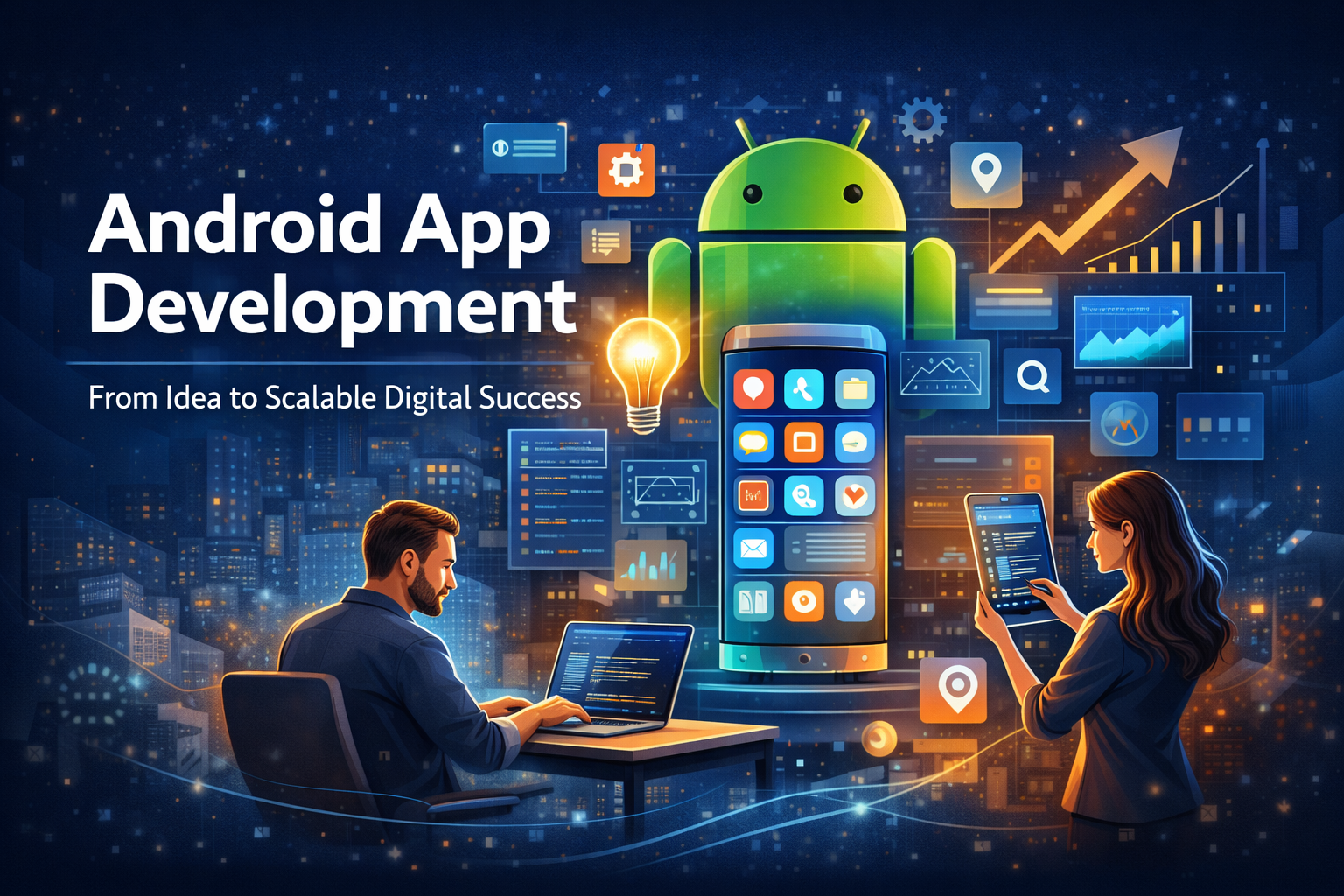

In today’s digital-first economy, mobile applications are no longer optional – they are essential business assets. From startups launching disruptive products to enterprises improving customer experience, Android applications have become powerful tools for growth, automation, and scalability.
With billions of active Android devices worldwide, businesses now have unprecedented opportunities to reach customers directly through their smartphones. However, successful Android app development is not just about coding an application – it is about transforming an idea into a scalable digital ecosystem.
This guide explores the complete journey of Android app development, combining real-world industry practices, strategic thinking, and technical expertise gathered from years of digital product experience.
Why Android App Development Matters for Modern Businesses
Android dominates the global smartphone market, making it the most accessible platform for businesses targeting diverse audiences.
Key Advantages of Android Development
- Massive global user base
- Open-source ecosystem
- Flexible customization
- Cost-effective development
- Faster innovation cycles
- Easy integration with Google services
Businesses leveraging Android apps experience:
- Higher customer engagement
- Direct communication channels
- Increased brand loyalty
- Better data insights
- New revenue opportunities
An app is no longer just software – it is a digital business channel.
Understanding the Android App Development Lifecycle
Successful apps follow a structured lifecycle rather than random development.
1. Idea Validation and Market Research
Before development begins, validate the idea.
Ask critical questions:
- What problem does the app solve?
- Who is the target audience?
- What makes the app different?
- Is there market demand?
Research Includes:
- Competitor analysis
- User behavior study
- Market gap identification
- Monetization planning
Many apps fail because businesses skip this stage.
2. Defining Business Goals
Every successful app aligns with business objectives.
Examples:
- Increase sales
- Improve customer experience
- Build community
- Automate services
- Generate subscriptions
Clear goals guide development decisions.
3. UI/UX Design: The Foundation of User Experience
Users judge apps within seconds.
A strong design ensures:
- Easy navigation
- Fast interaction
- Visual clarity
- Emotional connection
Important UX Principles
- Minimal clicks to action
- Consistent design language
- Accessibility
- Mobile-first thinking
Great apps feel effortless to use.
4. Choosing the Right Technology Stack
Android apps can be developed using:
Native Development
- Kotlin (recommended)
- Java
Cross-Platform Options
- Flutter
- React Native
Native apps typically offer better performance and scalability for long-term growth.
5. Development Phase
This is where ideas become reality.
Development Layers
Frontend
- User interface
- Navigation
- Animations
Backend
- Server logic
- Databases
- APIs
Integration
- Payment gateways
- Notifications
- Third-party tools
Modern development follows Agile methodology for faster iterations.
6. Testing and Quality Assurance
Testing ensures reliability and performance.
Types of Testing
- Functional testing
- UI testing
- Performance testing
- Security testing
- Device compatibility testing
An app must work smoothly across multiple Android devices and screen sizes.
7. App Deployment on Google Play Store
Launching an app involves:
- Store listing optimization
- Screenshots & branding
- Keyword optimization
- Privacy compliance
- Performance checks
A well-optimized listing improves discoverability.
Building Scalable Android Applications
Scalability separates successful apps from temporary projects.
What Makes an App Scalable?
- Cloud-based architecture
- Modular coding structure
- API-first development
- Efficient database management
- Performance optimization
Scalable apps grow without performance loss as users increase.
Essential Features Every Modern Android App Needs
1. Fast Performance
Speed directly impacts user retention.
2. Secure Authentication
- OTP login
- Social login
- Biometric authentication
3. Push Notifications
Increase engagement and retention.
4. Offline Functionality
Improves accessibility in low-network areas.
5. Analytics Integration
Helps businesses understand user behavior.
Monetization Strategies for Android Apps
An app should generate value – financially or strategically.
Popular Monetization Models
Freemium Model
Basic features free, premium paid.
Subscription Model
Recurring revenue system.
In-App Purchases
Digital products or upgrades.
Advertising Revenue
Ads integrated strategically.
Service-Based Model
The app acts as a booking or service platform.
Choose monetization based on user intent, not trends.
Android App Marketing Strategy
Even great apps fail without marketing.
Pre-Launch Marketing
- Landing pages
- Social media teasers
- Email campaigns
- Beta testing
Post-Launch Growth
- App Store Optimization (ASO)
- Influencer collaborations
- Paid ads
- Content marketing
- Referral programs
Marketing should begin before development finishes.
Common Mistakes Businesses Make
Avoid these costly errors:
- Skipping research
- Overloading features
- Ignoring UX design
- Poor testing
- No marketing plan
- Lack of scalability planning
Successful apps prioritize user experience over complexity.
Future Trends in Android App Development
The Android ecosystem continues evolving rapidly.
Emerging Trends
- AI-powered applications
- Voice interface integration
- AR/VR experiences
- IoT-connected apps
- Super apps ecosystems
- Blockchain integration
Businesses adopting innovation early gain competitive advantage.
Why Businesses Need Professional Development Strategy
Professional planning ensures:
- Faster launch
- Better performance
- Security compliance
- Scalable infrastructure
- Strong user adoption
Experienced development teams think beyond coding – they build digital products.
How Android Apps Drive Digital Transformation
Android apps help businesses:
- Automate operations
- Personalize customer experience
- Collect data insights
- Improve service efficiency
- Expand globally
A well-built app becomes a company’s digital backbone.
Step-by-Step Roadmap to Launch Your Android App
- Validate idea
- Define business goals
- Research market
- Create UX wireframes
- Develop MVP
- Test extensively
- Launch strategically
- Collect feedback
- Scale continuously
Success is a process, not a single launch moment.
Conclusion
Android app development is more than technical execution – it is strategic innovation. Businesses that approach app creation with clear vision, user-first design, scalable architecture, and strong marketing strategies turn simple ideas into powerful digital success stories.
In a competitive digital landscape, the difference between an average app and a successful one lies in planning, execution, and continuous improvement.
The future belongs to businesses that build meaningful mobile experiences – not just applications.
FAQs
1. How long does Android app development take?
Typically 2–6 months depending on features and complexity.
2. Which language is best for Android development?
Kotlin is currently the preferred language recommended by Google.
3. How much does Android app development cost?
Costs vary widely based on design, features, integrations, and scalability requirements.
4. Can small businesses benefit from mobile apps?
Yes. Apps improve customer engagement and brand visibility regardless of company size.
5. What is the most important factor for app success?
User experience combined with clear business strategy.
6. Do apps require updates after launch?
Yes. Continuous updates improve security, performance, and user satisfaction.
7. How do apps make money?
Through subscriptions, ads, in-app purchases, or service transactions.